
WINDOWS 365 & AVD SOLUTIONS
A Full Windows Desktop,
From Anywhere
Windows 365 and Azure Virtual Desktop,
planned and deployed around how your team actually works.
Two Ways to Give Your Team a Windows Desktop Anywhere
Windows 365 and Azure Virtual Desktop both let employees access a full Windows desktop from any device, but they work differently and fit different situations.
Windows 365 provides each user a dedicated Cloud PC at a fixed monthly price.
Azure Virtual Desktop (AVD) is a flexible, multi-session desktop that often costs less at scale. Sourcepass helps you choose the right fit, then plans and deploys it.
Sourcepass helps you figure out which one is right for your team, then plans and deploys it properly.
What are Windows 365 and AVD?
Windows 365 assigns each user their own dedicated virtual Windows desktop (a Cloud PC) for a predictable monthly cost per user. It works much like a physical computer, just hosted in Microsoft’s cloud instead of sitting on a desk.
Azure Virtual Desktop (AVD) is more flexible: it can host multiple users on shared virtual machines (multi-session), which often costs less at scale but takes more configuration to set up well.
Both give employees secure access to their desktop, apps, and files from a laptop, tablet, or even a Mac — without that device storing sensitive company data locally — and both integrate with Microsoft 365 and Azure. Because AVD runs on Azure, it’s often deployed alongside a broader Azure environment.
SOURCEPASS MCOE
Virtual Desktops,
However You Engage It
Through MCOE, Sourcepass's dedicated Microsoft practice, you get specialized Microsoft expertise for virtual desktops.
Starting with an endpoint assessment to recommend the right fit rather than defaulting to one option, we then handle deployment and profile management. Services may be delivered as a standalone Microsoft engagement or as part of a broader Sourcepass managed services relationship.
MCOE services may be delivered as a standalone Microsoft engagement or as part of a broader Sourcepass managed services relationship. Deliverables and ongoing responsibilities vary based on the contracted scope.

Licensing & Advisory Engagement
Building the environment yourself?
MCOE can still handle the licensing decisions — which model is more cost-effective at your user count, and sizing before you commit. Licensing and advisory engagements are available on their own, no matter who supports the rest of your IT
Practice Engagement
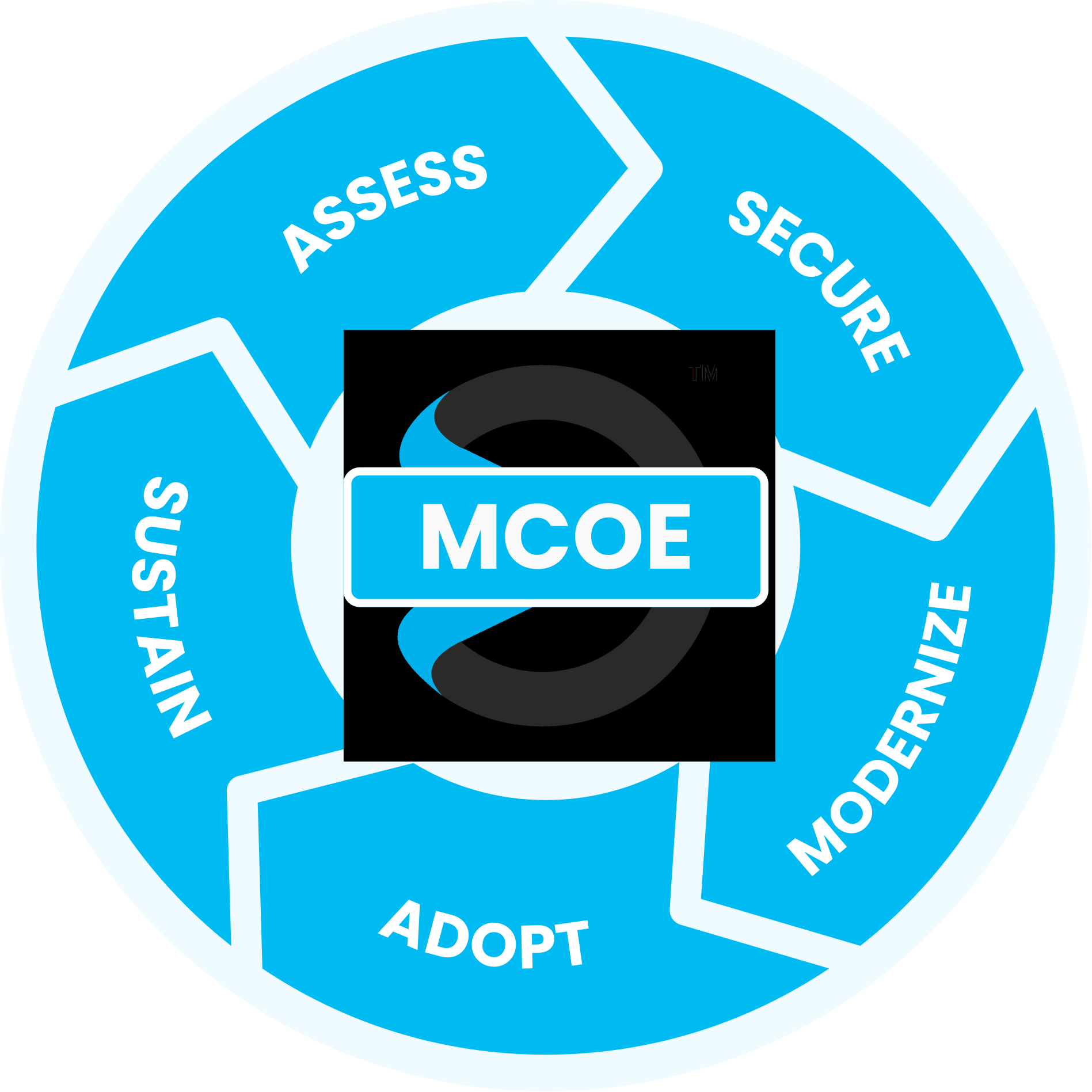
Maximize your Microsoft investment with our proven process
guided by the experts at the Sourcepass Center of Excellence for Microsoft.
Assess: Windows 365 or AVD — Which Fits Your Business
Our Assess stage begins with an endpoint assessment of your team size, usage patterns, workloads, and budget, then recommends the right fit rather than defaulting to one option.
SPECIALIZED MICROSOFT EXPERTISE
Why Sourcepass MCOE?
Sourcepass MCOE is the dedicated Microsoft practice within Sourcepass, built to help organizations get more from Microsoft.
Every engagement is backed by specialized Microsoft expertise; two Pax8 Global Microsoft Copilot MVP Awards; Microsoft Solutions Partner designations across Security, AI Business Solutions, and Cloud & AI Platforms; and the national resources of one of the country’s top-ranked managed services providers.
Helpful Resources
WEBINAR
The Smarter Way to Manage Virtual Desktops
See how to run secure remote desktops on your own hardware without a VPN!
DATASHEET
Get A Full Windows Virtual Desktop
The question isn't whether a virtual
desktop helps — it's whether you're on the right one for how your team actually works
ARTICLE
Is AVD or Windows 365 the Right Fit For Your Business?
Both solutions offer unique strengths, but which one is best for your business? We compare key features in this article.
More Azure Insights
Learn more on how we enable success with our clients, our thoughts on emerging technologies, and how to position your company for growth.
Azure Virtual Desktop Hybrid Runs AVD on your Own Hardware
Microsoft Licensing Update: Ignite 2025 Key AI and Security ...
Modernizing Legacy Applications on Azure for SMBs: Assessment ...
Frequently Asked Questions
It depends on your team size, budget, and usage patterns. Windows 365 offers simpler, predictable per-user pricing, while Azure Virtual Desktop offers more flexibility and can be more cost-effective for larger deployments.
Cost depends on the number of users, the type of virtual machines needed, and storage requirements. An assessment gives you an estimate based on your specific workloads.
No. Azure Virtual Desktop and Windows 365 are separate services from Microsoft 365. An Office 365 outage may affect Office apps specifically, but the virtual desktop itself keeps running.
Yes — through Remote Desktop Printing for local devices, or Universal Print for centralized, cloud-managed printing.
FSLogix centralizes user-profile storage, so employees get the same settings and experience regardless of which virtual machine they’re assigned to.
Performance depends on your network connection and the virtual machine specifications chosen. Sizing the environment correctly is part of the deployment.
Yes. A phased rollout is a common and often preferable approach.
Yes. You can install and manage applications much as you would on a traditional machine, with compatibility and performance accounted for during planning.