
SOURCEPASS CENTER OF EXCELLENCE FOR MICROSOFT
One Platform for Chat,
Meetings, Calls, and Texts
Microsoft Teams, Teams Phone, and business texting —
planned, deployed, and governed, not just switched on.
Microsoft Teams is Microsoft’s platform for chat, meetings, and calling, with the Office apps and file sharing built in. Teams Phone turns it into a full business phone system, and Teams supports business texting too. Sourcepass plans, deploy, govern, and support the whole platform — collaboration, calling, and texting — so it works reliably and gets used.
Talk with a Microsoft Expert Plan Your Teams Phone Migration
Microsoft Teams Has Grown
Well Beyond Chat
For a lot of businesses, Teams is now the phone system,
the texting platform, and the main hub for collaboration all at once.
That reach is exactly why it needs planning: turned on without governance, Teams tends to sprawl into hundreds of unmanaged teams and channels, and a phone-system cutover done carelessly can drop calls the business depends on. Getting that much functionality working well takes more than flipping a switch.
What Is Microsoft Teams?
Microsoft’s chat, meeting, and calling platform.
It brings messaging, video meetings, file sharing, and voice calling into one app, with the Office apps built directly in so people can work on a document without leaving a conversation. Files shared in a Teams channel are stored behind the scenes in SharePoint, which is why the two are often deployed together SharePoint.
How It Works
Teams is available with Microsoft 365 or on its own — Microsoft now offers business plans in “with Teams” and “without Teams” versions, plus Teams Essentials as a standalone option for very small businesses that just need meetings and chat.
What Is Microsoft Teams Phone?
Teams Phone extends Teams into a full business phone system.
Teams Phone allows calling, voicemail, and business numbers — without a traditional on-premises PBX. It’s a common path for organizations retiring costly legacy phone hardware.
What Is Teams Business Texting (SMS)?
Teams supports business text messaging so a team can send and receive SMS from the same app they already use.
Teams SMS covers 1:1 messages for US and Canada numbers and requires a Microsoft Teams Calling Plan; it’s regulated business (A2P) messaging, so setup includes carrier registration. For texting beyond Teams — including Dynamics 365 and app-based campaigns — see our business texting service.
SOURCEPASS MCOE
Microsoft Teams, However You Engage It
Through MCOE, Sourcepass's dedicated Microsoft practice, you get specialized Microsoft expertise for Teams and Teams Phone: governance that keeps the platform from sprawling, clean number porting for the phone cutover, and role-based rollout.
Services may be delivered as a standalone Microsoft engagement or as part of a broader Sourcepass managed services relationship.
MCOE services may be delivered as a standalone Microsoft engagement or as part of a broader Sourcepass managed services relationship. Deliverables and ongoing responsibilities vary based on the contracted scope.

Licensing & Advisory Engagement
Administering Teams yourself?
MCOE can still get the licensing right — which plans include Teams, and sizing Calling Plan licenses to your actual call volume. Licensing and advisory engagements are available on their own, no matter who supports the rest of your IT.
Practice Engagement
Maximize your Microsoft investment with our proven process
guided by the experts at the Sourcepass Center of Excellence for Microsoft.
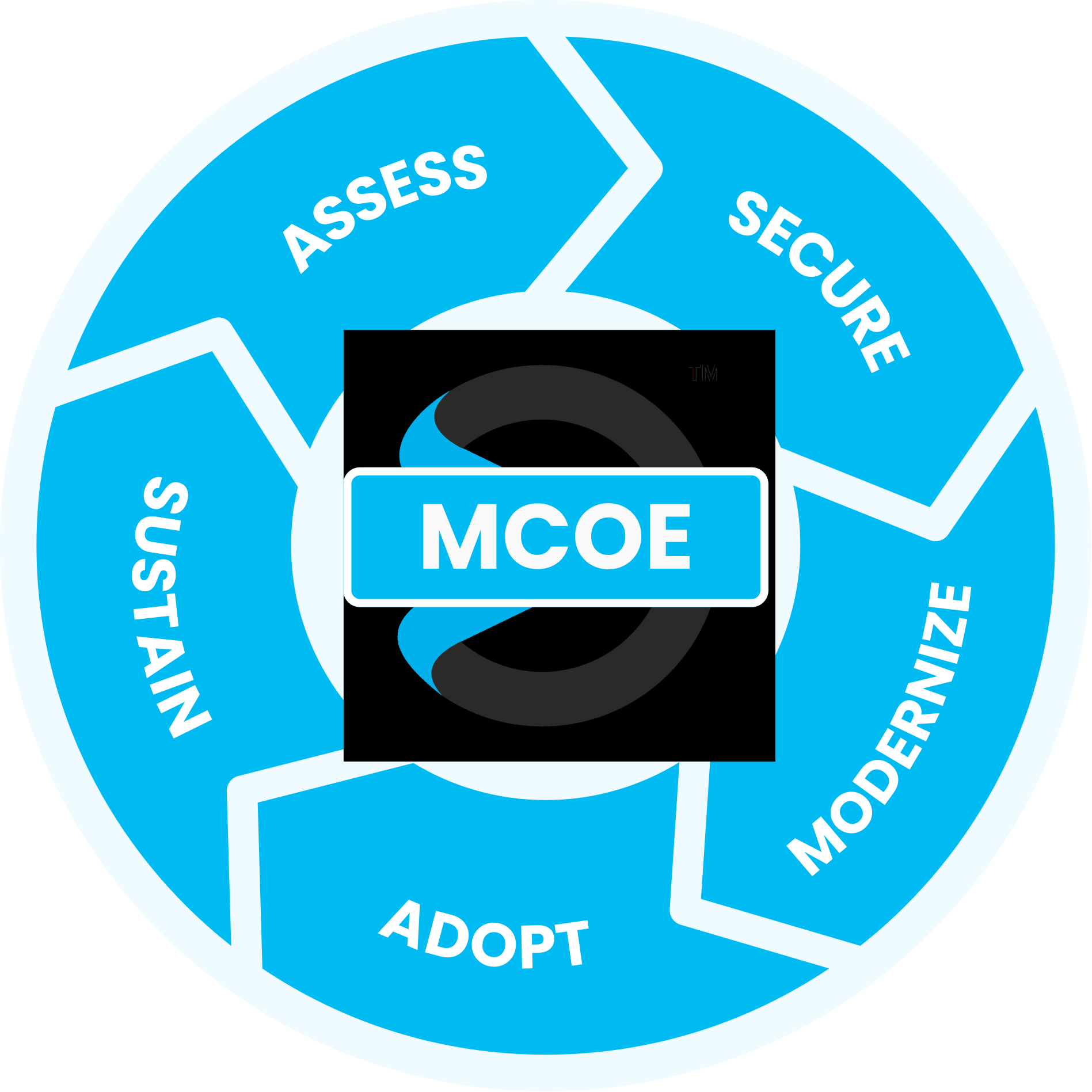
Assess: Understanding Your Current Communication Setup
Our Assess stage reviews what you’re using today — your current phone system, any existing Teams deployment, licensing, and how your teams actually communicate — and turns it into a deployment plan aligned with your goals.
SPECIALIZED MICROSOFT EXPERTISE
Why Sourcepass MCOE?
Sourcepass MCOE is the dedicated Microsoft practice within Sourcepass, built to help organizations get more from Microsoft.
Every engagement is backed by specialized Microsoft expertise; two Pax8 Global Microsoft Copilot MVP Awards; Microsoft Solutions Partner designations across Security, AI Business Solutions, and Cloud & AI Platforms; and the national resources of one of the country’s top-ranked managed services providers.


Helpful Resources
DATASHEETS
Intro to Sourcepass Teams & Team Phone Services
Learn more about the process for deployment of Microsoft Teams, Teams Phone, and business texting.
DATASHEET
How Copilot for Teams is Transforming Productivity
Copilot for Teams helps employees capture information, summarize discussions, identify action items, and stay informed.
PODCAST
Teams, Facilitator, and Loop: Your Key Meeting Stack
Microsoft Teams can do much more than record meetings. See how Teams works with other key Microsoft tools in this webinar clip.
More Microsoft Teams Insights
Learn more on how we enable success with our clients, our thoughts on emerging technologies, and how to position your company for growth.
The ROI of Meeting Transcripts: Turning Conversations Into ...
How Copilot in Teams Is Changing Workplace Productivity
Microsoft Teams as the Hub: Integrating Apps, Bots, and ...
Frequently Asked Questions
It depends on the complexity of your current phone system and how many numbers need to be ported, but most mid-sized business migrations are completed within a few weeks.
No. Number porting is a standard part of the migration, so you keep your existing numbers.
Teams SMS lets your team send and receive business text messages from within Teams, using a business number. It covers 1:1 messaging for US and Canada numbers, requires a Microsoft Teams Calling Plan, and involves carrier registration because it’s regulated business messaging.
Not necessarily. Some businesses use Teams-certified desk phones and conference-room systems, while others rely entirely on the Teams app on computers and mobile devices. We help you choose and procure whatever fits.
Controls around who can create teams and channels, external and guest access, and data-retention policies tend to matter most as usage scales — they’re what keep Teams from sprawling.
For many businesses, yes. Teams covers chat, video meetings, file collaboration, and calling, which often replaces several separate tools.
Yes. Training is built around how your specific teams actually work, not a generic overview.
As part of MCOE's specialist practice, this means a paid Teams Phone Support Plan, engaged whenever you need it — for example, setting up phones for a newly acquired location, delivered directly to your IT team.
Trademark attribution footnote: Microsoft, Azure, Copilot, Entra, Excel, Intune, Outlook, PowerPoint, Purview, SharePoint, Teams, Windows, and Word are trademarks of the Microsoft group of companies.