.svg)

READINESS, GOVERNANCE, ROLLOUT, AND ADOPTION DONE RIGHT
Microsoft Copilot:
Deployed to Actually Get Used
Microsoft 365 Copilot is an AI assistant built into the Microsoft 365 apps your team already uses. Sourcepass helps you deploy it securely and get people using it. We cover readiness, governance, rollout, and ongoing support so Copilot delivers real value.
Speak with a Copilot Specialist
Why do Copilot Rollouts Fail?
Copilot is the fastest-changing part of Microsoft 365,
and it’s easy to get wrong.
Without the right setup, it can show files to people who should not see them. Or it sits unused because no one showed employees how it helps their work. Rollouts that succeed almost always start with good preparation.
What is Microsoft Copilot?
Microsoft 365 Copilot is an AI assistant built into Word, Excel, PowerPoint, Outlook, Teams, and OneNote.
Employees type a request in plain language. Copilot then drafts documents, summarizes email, builds slides, and analyzes data.
Copilot uses your organization's own content to answer. It connects through Microsoft Graph to each user's email, chats, files, and meetings. That is why your permissions must be right before you turn it on.
Copilot is an add-on license for existing Microsoft 365 plans. Microsoft keeps adding new agents that expand what it can do.
WHERE COPILOT HELPS EVERYDAY
Copilot works inside the apps your team opens every day.
-
Microsoft Teams: Capture meeting notes, summarize discussions, and pull out action items automatically.
-
Microsoft Outlook: Summarize long threads and draft replies in a fraction of the time.
-
Microsoft Word: Go from blank page to first draft, then edit and refine.
-
Microsoft PowerPoint: Turn a prompt or document into presentation-ready slides.
-
Microsoft Excel: Analyze data, spot trends, and build visualizations.
-
Microsoft SharePoint & OneDrive: Surface the right content across your environment for faster answers.
Results Organizations See with Copilot
Microsoft's research shows how Copilot users are working today.
%
OF USERS CREATE
FIRST DRAFTS FASTER
%
OF USERS REPORT
HIGHER PRODUCTIVITY
%
OF USERS WOULDN'T
WANT TO WORK WITHOUT IT
SOURCEPASS MCOE
How Sourcepass MCOE Supports Copilot
Sourcepass MCOE is our dedicated Microsoft practice. We help you set up governance before go-live, deploy Copilot to fit your environment, and support the teams who use it.
You can work with us as a standalone Microsoft project or as part of a Sourcepass managed services plan. Deliverables depend on your agreed scope.

Licensing & Advisory Engagement
Running the Copilot rollout yourself?
Sourcepass MCOE can still make sure your licensing is right. We confirm which Microsoft 365 plan Copilot requires and how many seats you need.
Practice Engagement
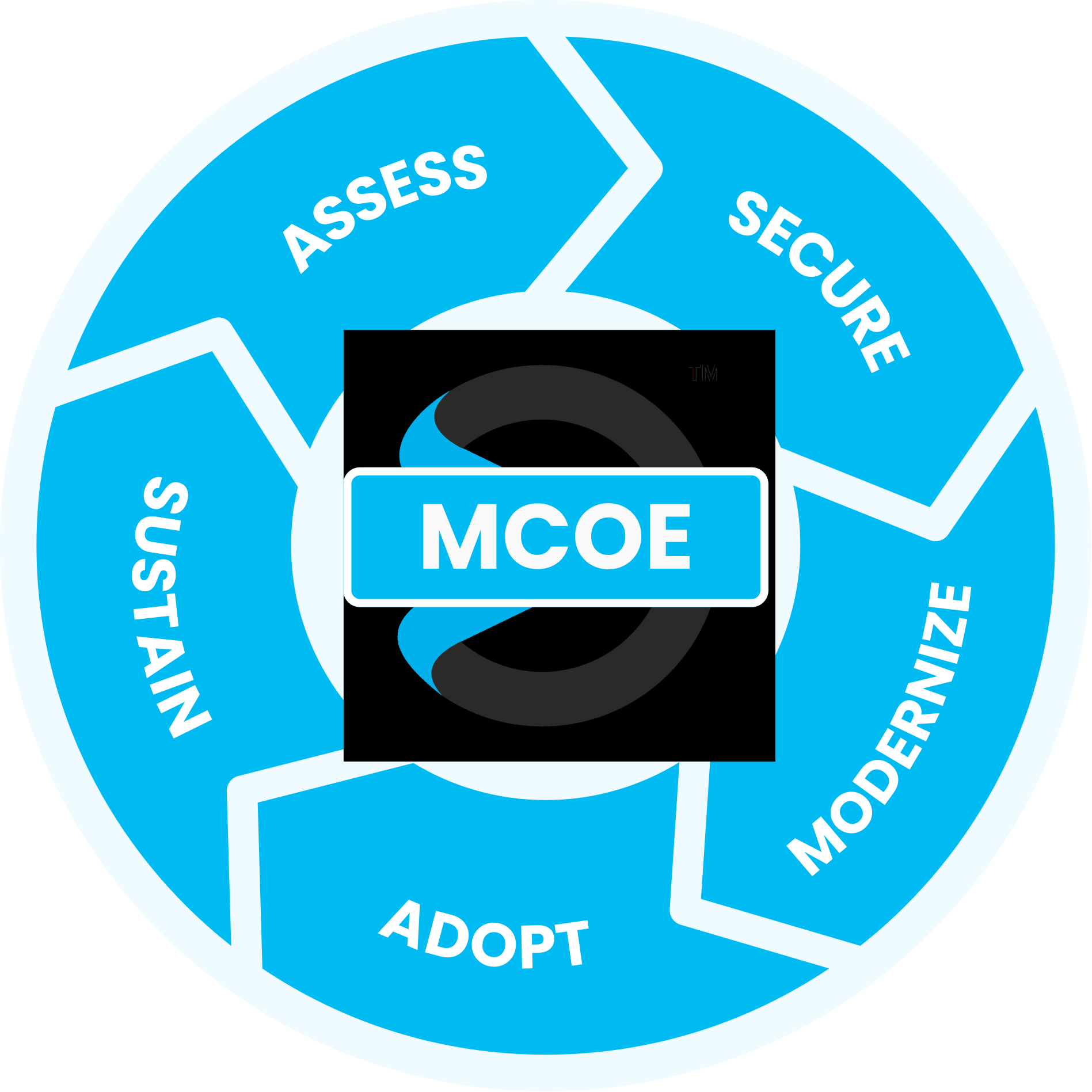
Maximize your Microsoft investment with our proven process
guided by the experts at the Sourcepass Center of Excellence for Microsoft.
Assess: Is Your Organization Ready for Copilot?
Before Copilot goes live, we review your data, permissions, and current Microsoft 365 licensing as part of our Assess stage — catching problems before they happen, not after.
How Copilot Works
Across Different Teams
From HR and Finance to Sales, Marketing, and Executive Leadership, Copilot helps teams automate routine work, uncover insights faster, and focus more time on high-value initiatives.
By reducing manual effort and improving access to information, organizations can increase productivity, improve collaboration, and empower employees to accomplish more across the business.
- Finance
- HR
- Sales
- Marketing
- Executives
-
Finance
How Copilot Helps Finance Teams
Finance teams rely on accurate reporting and analysis to support business decisions. Copilot helps summarize financial reports, identify trends, explain variances, and transform complex data into meaningful insights that are easier to understand and share.
Whether preparing forecasts, reconciling accounts, building presentations, or analyzing budgets, Copilot reduces manual effort and accelerates routine processes so finance teams can focus on strategic planning and business performance.
-
HR
How Copilot Helps Human Resources
HR teams spend significant time creating policies, onboarding materials, employee communications, and responding to workforce questions. Copilot helps streamline these daily tasks by generating first drafts, refining existing documents, and ensuring consistency across the employee experience.
It can also summarize employee surveys, feedback forms, meeting notes, and policy updates, helping HR professionals quickly identify trends, concerns, and opportunities for improvement without manually reviewing large amounts of information. -
Sales
How Copilot Helps Sales Teams
Sales professionals often spend valuable selling time on administrative work. Copilot helps draft proposals, generate customer communications, summarize CRM activity, and create meeting recaps, allowing reps to focus more on customer relationships and revenue generation.
By surfacing account insights, summarizing conversations, and helping create personalized follow-ups, Copilot enables sales teams to move opportunities forward faster while delivering a more consistent customer experience. -
Marketing
How Copilot Helps Marketing Teams
Marketing teams are constantly creating content, launching campaigns, and measuring results. Copilot accelerates content production by helping generate blog posts, email campaigns, social media copy, landing pages, and campaign plans in a fraction of the time.
Beyond content creation, Copilot analyzes customer feedback, campaign performance, and marketing data to uncover actionable insights. This helps teams make informed decisions, optimize programs, and improve results across channels. -
Executives
How Copilot Helps Leadership
Business leaders need quick access to information across departments to make informed decisions. Copilot helps executives stay aligned by summarizing meetings, consolidating status updates, drafting communications, and surfacing important business insights from across the organization.
Instead of spending time digging through emails, reports, and presentations, leaders can quickly review KPIs, evaluate progress against goals, identify opportunities, and focus on driving strategic initiatives.
SPECIALIZED MICROSOFT EXPERTISE
Why Sourcepass MCOE?
Sourcepass MCOE is the dedicated Microsoft practice within Sourcepass, built to help organizations get more from Microsoft.
Every engagement is backed by specialized Microsoft expertise; two Pax8 Global Microsoft Copilot MVP Awards; Microsoft Solutions Partner designations across Security, AI Business Solutions, and Cloud & AI Platforms; and the national resources of one of the country’s top-ranked managed services providers.
Frequently Asked Questions
A phased rollout for a mid-sized organization is often completed within four to eight weeks, depending on how many departments are involved and whether governance work needs to happen first.
We strongly recommend a governance review first. Copilot respects existing permissions, so gaps in your current security setup can lead to Copilot surfacing information it shouldn’t.
Yes. Role-based, phased deployment is typically the better approach.
Yes — this is one of the most common situations we see. We assess why adoption has been low and build a plan to improve it.
An independently judged award recognizing Microsoft partners for measurable results deploying Copilot for clients. Sourcepass MCOE has won it twice.
Yes. Copilot is designed to work within Microsoft 365’s existing structure, though performance depends on how well your content and permissions are organized.
Copilot licensing costs depend on your current Microsoft 365 plan and how many users need access. We review current pricing as part of an initial assessment.
As part of MCOE's specialist practice, this means governance updates when Microsoft makes a significant change to Copilot, and paid Copilot IT support for your IT department if something comes up.
Helpful Resources
WEBINAR
Getting Started with Microsoft Copilot
Get best practices for implementing and harnessing the true power of Copilot in this training session.
PODCAST
Copilot Add-On vs. Business Premium
Sourcepass MCOE breaks down two of the most compelling SMB offerings in the Microsoft ecosystem right now.
More Copilot Insights
Learn more on how we enable success with our clients, our thoughts on emerging technologies, and how to position your company for growth.
Why Microsoft 365 Copilot Adoption Stalls after Deployment
How is Agentic AI Different from Microsoft Copilot?
AI Governance for SMBs: Microsoft 365 & Copilot Guide
Get a Copilot Assessment Today
Copilot has the power to revolutionize your workflows, but only if it’s implemented the right way. From strategy to licensing to maximizing your Microsoft tenant, our team has your back.
Trademark attribution footnote: Microsoft, Azure, Copilot, Entra, Excel, Intune, Outlook, PowerPoint, Purview, SharePoint, Teams, Windows, and Word are trademarks of the Microsoft group of companies.